
Are you interested in creating your own audio plug-ins? Have you had an idea to develop your own custom design? Wondering where to start to create a VST/AU/AAX plug-in?
JUCE is a free development toolkit for creating your own plug-ins, compatible with all the major formats and DAWs. It is possible to write one piece of code and create VST, AU, and AAX formats. If you are new to developing plug-ins, JUCE is a good place to start.
Do you want some help getting started with JUCE? Great! I’ve put together a tutorial with over 3 and a half hours worth of video content to walk you step-by-step through creating a plug-in from start to finish. This is the easiest to learn how to develop software audio effects.
The programming language used in JUCE is C++. If you have never programmed in C++ before, don’t worry. Everything is explained in detail during the video series to make it possible to understand.
If you are brand new to programming, that’s great. As you follow along with the JUCE tutorial, check out many of the resources available on the Hack Audio blog to help with the basics.
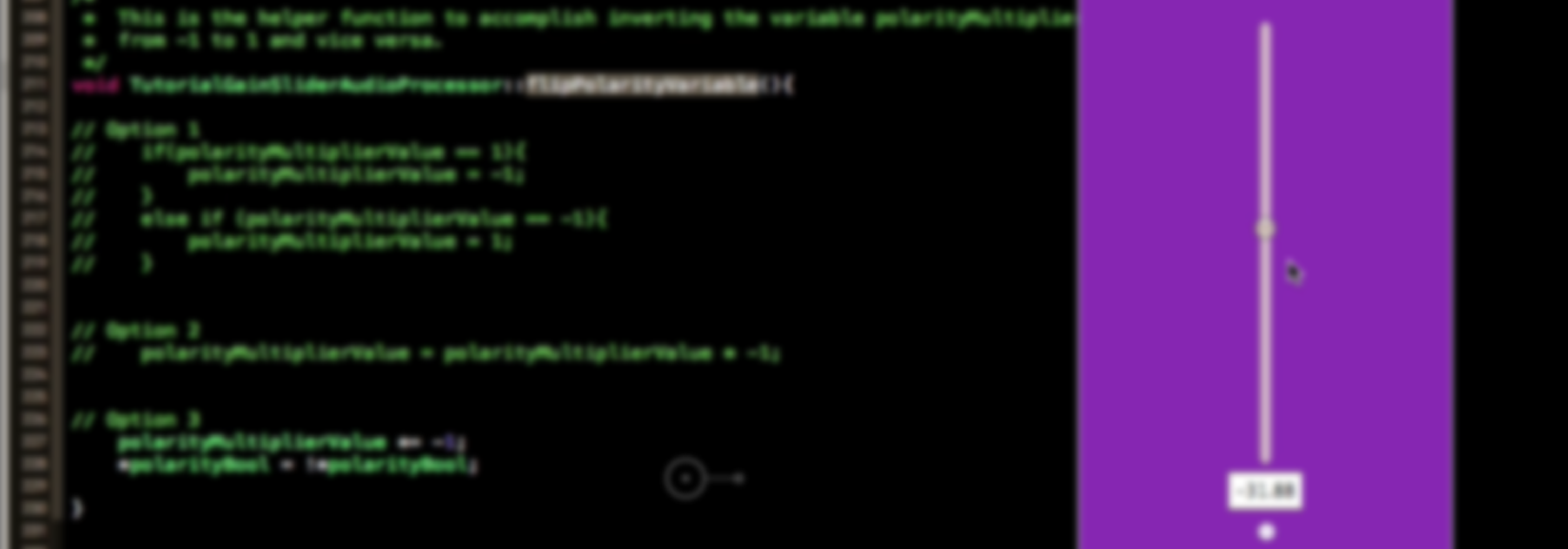
Topics of the tutorial are broken up into chapters (shown below). Follow along with the videos to create a channel fader plug-in with a gain slider and polarity button.
Note: The JUCE Tutorial is included for free with the purchase of any other Hack Audio tutorial course.
After your purchase, you will register an account to log-in to stream the tutorial videos from the Hack Audio website.
Topics covered include:
Chapter 1: Project Creation
- Downloading and installing JUCE
- Creating an Audio Plug-in Project
- Navigating the Projucer Application
- Configuring the Project Settings
Chapter 2: Project Files
- Opening the Project in Xcode
- Overview of Files Generated by JUCE
- Accessing JUCE Documetation
- Building a Plug-in and Loading it in a DAW
Chapter 3: Process Block
- Processing the Samples in an Audio Signal
- Indexing the Elements of an Array Buffer
- Mono and Stereo Plug-ins
- Passing Audio to the Output of the Plug-in
- Changing the Amplitude of a Signal
Chapter 4: Editor
- Creating User Interface Objects
- Adding a Fader to the Front-end GUI
- Implementing Callback Functions
- Setting Parameters of the Plug-in Objects
Chapter 5: Decibel Scale
- Improving the Functionality of the Plug-in
- Working with the Decibel Scale
- Adding an Interface Button
- Changing the Polarity of a Signal
Chapter 6: Automation
- Creating Automation in a DAW
- Saving the Plug-in State for Opening/Closing
- Setting the Type of Variable for Automation
- Implementing a GUI Timer
Chapter 7: Debugging
- Efficient Methods to Trouble-shoot
- JUCE Plug-In Host
- Debugging with a DAW
- Debug and Release Build Versions